We assembled our new pios following the guidelines to the t. We installed them as workers and flashed with the latest worker image (version 25.8.14). We haven’t encountered this error before, our other pios run without issue.
We tried re-flashing them also with the earlier image (25.7.2) but this didn’t change anything. The workers are also not reachable via ssh.
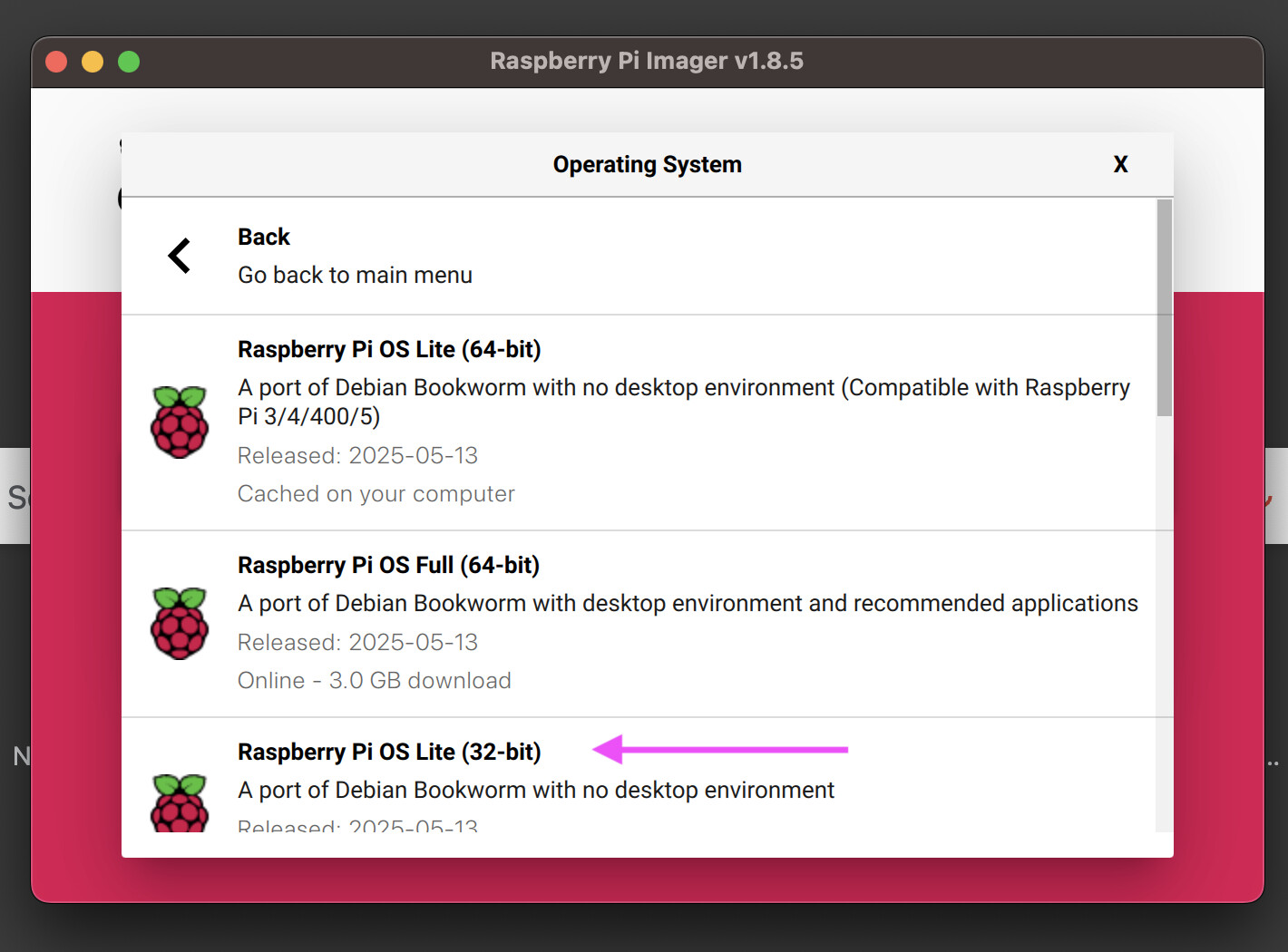
Are you using Raspberry Pi Imager 1.9.x? There’s a bug in that version. Try a different version like 1.8.5 (which I use and I know doesn’t have this bug): Release v1.8.5 · raspberrypi/rpi-imager · GitHub
I tested the worker images here, and they seem okay.
Are the Pi’s LEDs (not the blue HAT one) coming on at all when you power up? For B models, the red should stay light, and the green should flicker for a moment then stop. For Zeros, the green LED stays on permanently.
Are these SD cards we sent? What size GB are they?
So it’s a zero 2W and the green light is just on. Cards are intenso micro SD 16 GB, we purchased them. We have other pios working fine with those SDs though
It’s possible, but hasn’t been a cause very often. Certainly you can try! Remove the RPi from the HAT + assembly (easiest way is from the bottom), and see if you can connect over SSH then.
Another thing to try is to flash with the non-Pioreactor software: