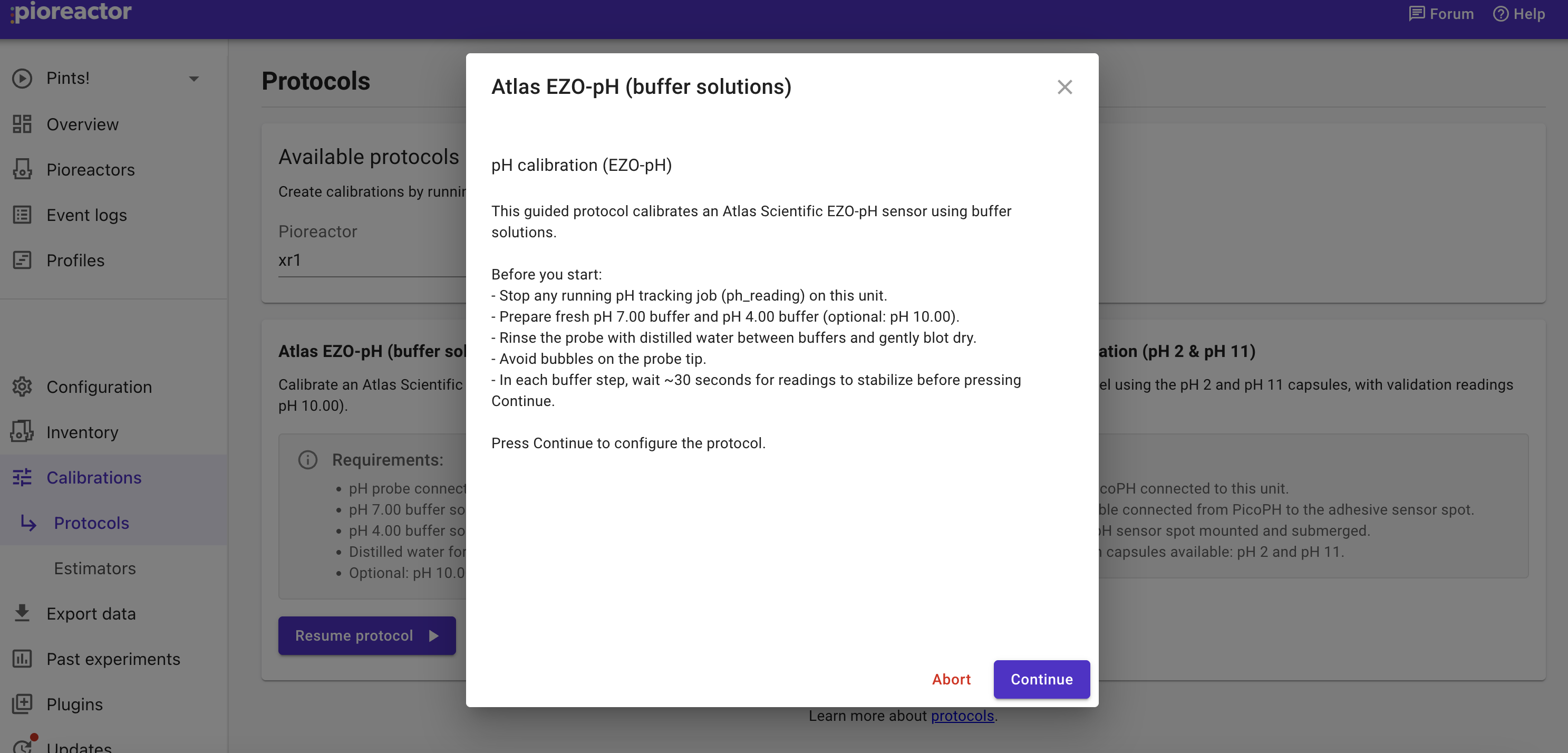
Hi!
I’ve built a custom pH calibration protocol as a plugin (using CalibrationProtocol + SessionStep and ctx.executor(“ph_ezo_cmd”/“ph_ezo_read”)), and I’m seeing a reproducible issue in the UI Protocols flow.
-
Environment: latest Pioreactor OS (updated early March 2026), Atlas EZO-pH on I²C, plugin modules under ~/.pioreactor/plugins/.
-
Expected: After boot, I can go straight to Calibration → Protocols → pH calibration, run it, and steps like “Clear existing calibration” send commands over I²C via the executor actions.
-
Actual:
-
If I go directly to the pH protocol after boot, the session hangs on “Clear existing calibration” (spinner never finishes), and no I²C traffic appears on SCL/SDA (verified with a logic analyzer).
-
If I first open the “Plugins” tab in the UI, then go back to Calibration → Protocols and run the same pH protocol, everything works: “Clear existing calibration” completes and I²C commands are sent normally.
-
Hypothesis: plugin modules that register calibration actions (e.g. ph_ezo_cmd / ph_ezo_read via ctx.executor) aren’t imported / registered in the worker until the Plugins page is opened, so the executor has nothing wired up when the protocol is run right after boot.
Is this a known issue with plugin-based calibration protocols? And is there a recommended way to ensure plugin calibration actions are registered at startup so Protocols work without having to visit “Plugins” first?
hi @BorysBut,
You’re ambitious! Let me see if I can help, there have been some bugs here that I’ve resolved recently.
One issue you are probably hitting (but perhaps not the main issue - tbd) is that a Pioreactor background tasks (typically what actually executes hardware calibration commands) wasn’t correctly loading plugins, so it wouldn’t see anything added to ~/.pioreactor/plugins. This fix isn’t in the production yet, but you may want it. Two solutions to get it:
- If you are connected to the internet, try
pio update app -b develop --no-deps
- If not connected, you can manually edit the file:
nano /opt/pioreactor/venv/lib/python3.13/site-packages/pioreactor/web/tasks.py
and add the changes to task.py in this diff.
In both cases, restart the web server: sudo systemctl restart pioreactor-web.target
plugin modules that register calibration actions (e.g. ph_ezo_cmd / ph_ezo_read via ctx.executor) aren’t imported / registered in the worker until the Plugins page is opened, so the executor has nothing wired up when the protocol is run right after boot.
Plugins page isn’t loading much - it’s just grabbing available protocols from the Pioreactor(s).
Can you share your plugin? I can help debug and test it on my end, too
1 Like
Hi @CamDavidsonPilon ,
dev build resolved the issue:) Thank you!
Regarding the plugin page, I understand that it sounds unlikely, but calibration really worked right only after opening plugin page first (after every restart of Pioreactor).
Surely you can check the plugin yourself: GitHub - Borysi/EZO_pH_plugin: Plugin for pH measuring on Pioreactor · GitHub . I’m writing a diploma thesis on university regarding augmentation of bioreactors and pioreactor seem’s very user-friendly in that field. Thank you for your work.
Very cool!
Need any help with the plugin?
Not for now, thank you  If I need any help, I will probably start a new thread or email you.
Thank you!