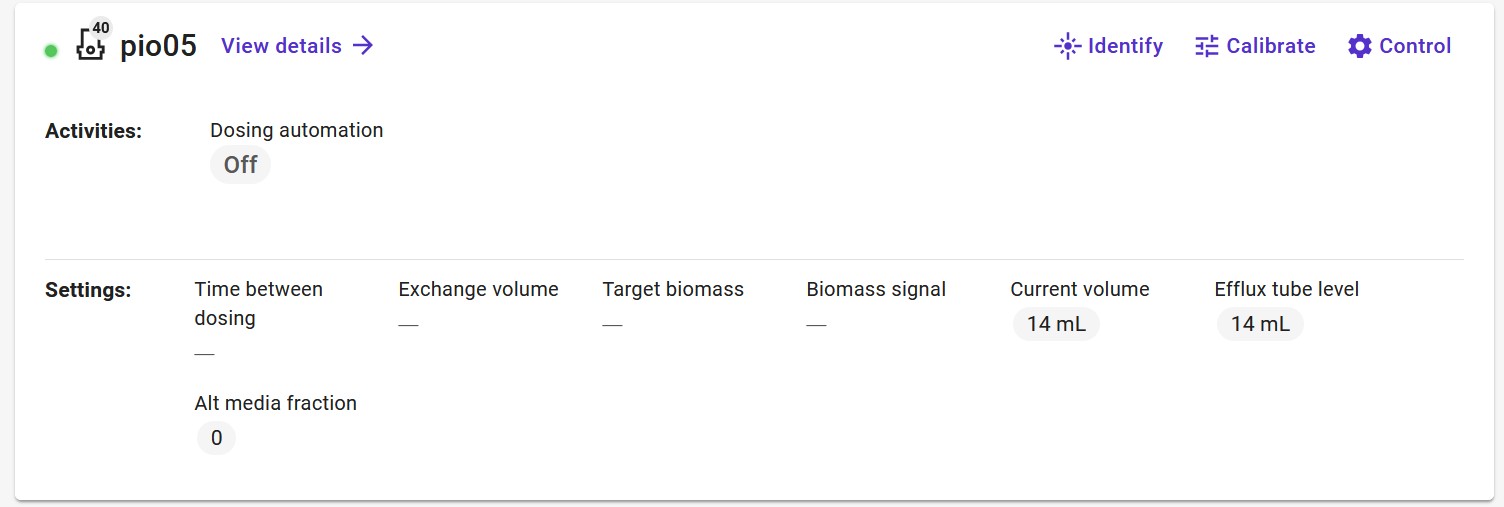
Hello! I’ve had this problem in the UI where I am unable to control certain jobs in my pioreactors.
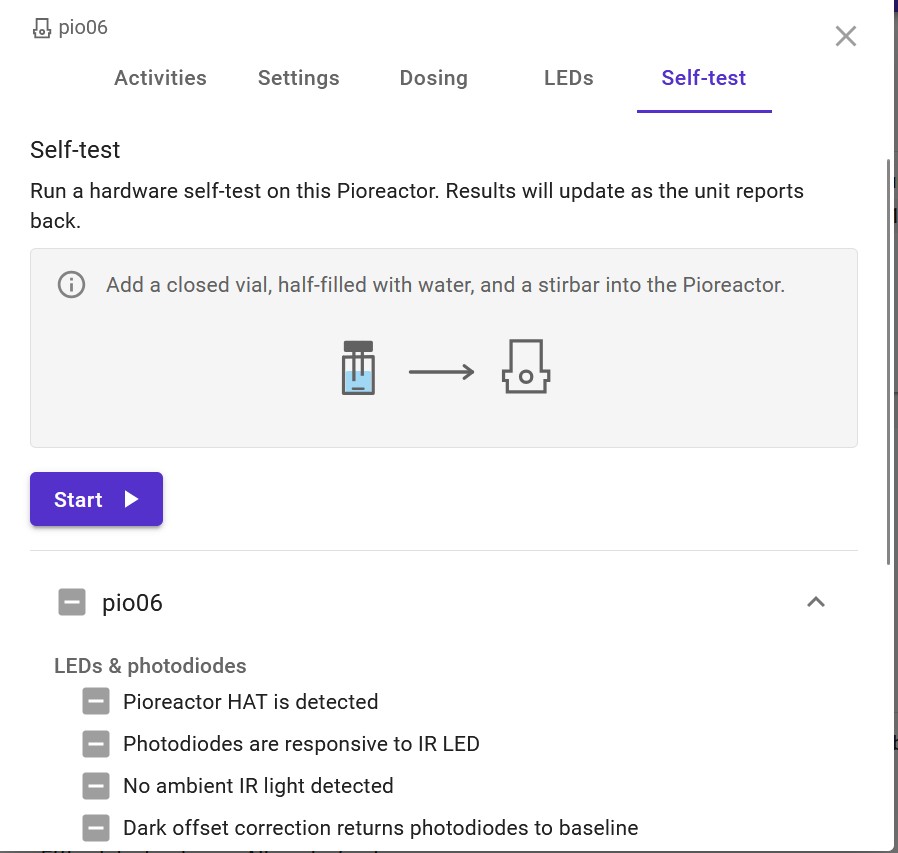
This problem started when I ran a self-test on pio06, where I accidentally pressed the self-test button twice, resulting in most of the jobs (such as temperature control, starting OD readings etc) to stop appearing. At the same time, the self-tests keep flashing between the “-” and check mark which indicates that a self-test was passed. This only occurs in pio06 though and the bug is still there even after reflashing the SD card.
I can still control all pios through the “Control All Pioreactors” interface, just not individually anymore. This has affected all pios except the leader. Any ideas how to fix this? Thanks!
I have a theory as to what is happening. Like other bugs, this is a caching error. SSH into your leader, and try:
python3 - <<'PY'
from pioreactor.utils import local_intermittent_storage
from pioreactor.web.cache import LEADER_MULTICAST_GET_CACHE

with local_intermittent_storage(LEADER_MULTICAST_GET_CACHE) as c:
    c.empty()
PY
I also see two extra jobs in pio06 (Spectrometer reading and air bubbler) from the plugins I had to re-install to the pioreactor after re-flashing it… maybe this has something to do with it?
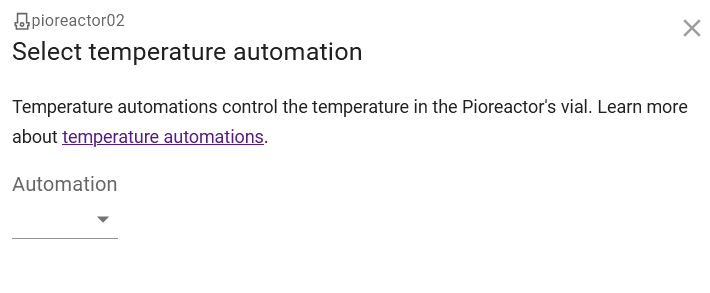
I had the same problem before and it was solved by the command you mentioned above. Now I just updated to the new version v26.4.3 (20ml, v1.5), but there is another problem. The worker’s “Temp. automation”, “Dosing automation” and “LED automation” do not have the full function as the leader. See a screenshot. (Note that I didn’t check if this was also the case before updating from v26.4.3 + ssh command.)
And I ignored that I got message previously scp: stat remote: No such file or directory scp: failed to upload directory /home/pioreactor/.pioreactor/ui/automations to ~/.pioreactor/ui/
rsync: [generator] recv_generator: mkdir "/home/pioreactor/.pioreactor/ui/automations" failed: Permission denied (13)
*** Skipping any contents from this failed directory ***
rsync error: some files/attrs were not transferred (see previous errors) (code 23) at main.c(1338) [sender=3.4.1]```