What's the status of 64- vs 32-bit pioreactor builds?

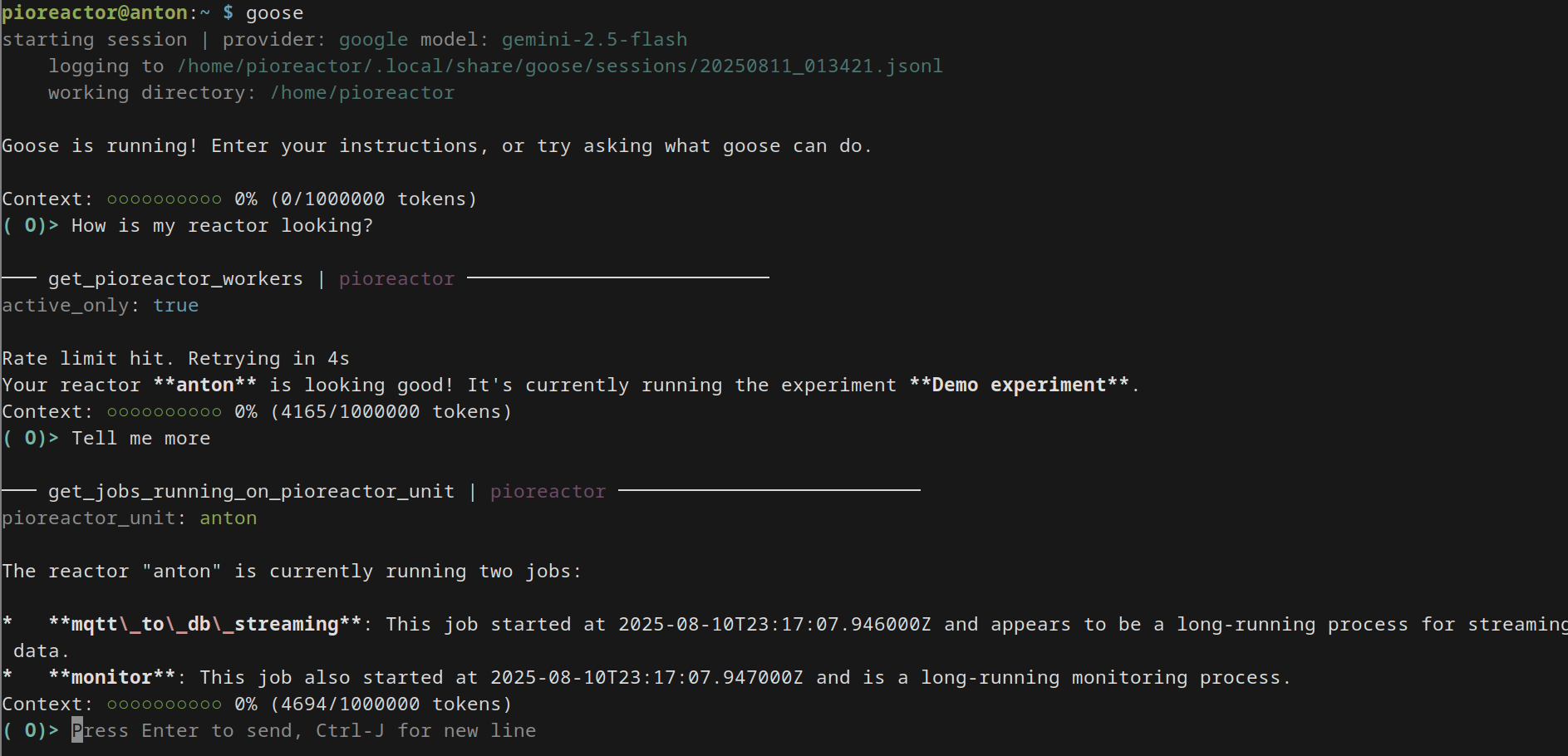
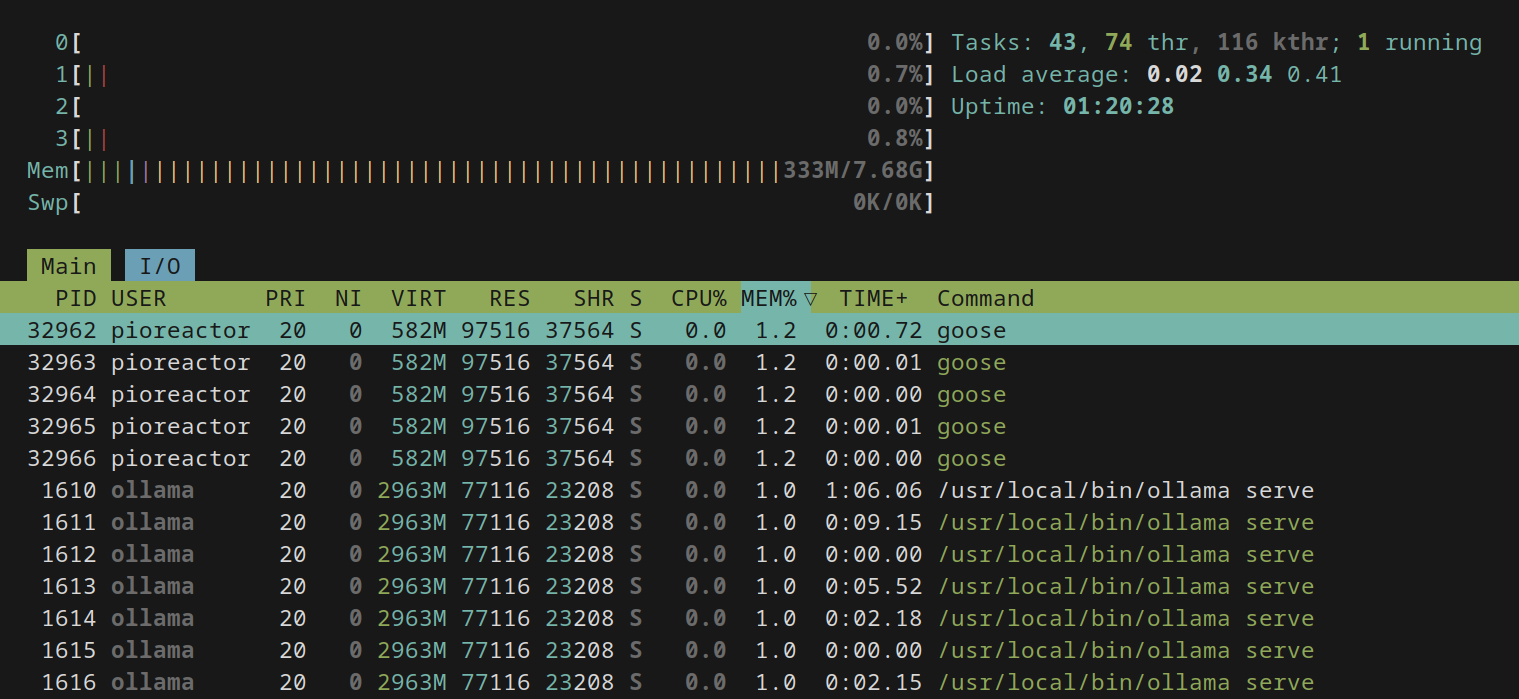
I’ve looked through and seen a couple of references to 64-bit builds in the past, but as far as I can tell the default is still 32-bit. As far as I can see my Pi is running a 64-bit kernel with a 32-bit userland, but I might have diverged from the original image I installed overtime, I haven’t gone too deeply into it. 32-bit is a pretty big limitation for stuff like running ML/AI things, e.g. trying to get Goose CLI to run. I admit that’s pretty niche, but maybe Trixie OS release · Issue #460 · Pioreactor/pioreactor · GitHub is an opportunity to go 64-bit by default? How many people are actually running on low-spec PIs?

Relatedly, doesn’t look like the nightlies are 64-bit? Are there any 64-bit images I can grab to try to test out the goose/LLM/MCP stuff? Would I have to build myself using CustoPiZer?

Ah we use to have 64bit builds! But they weren’t used much. The problem is 64bit builds work best on > 1gb RAM RPis, but the popular RPi Zero 2 is only 512mb RAM. TBH I haven’t tried a 64bit build on the Zero 2, so I can’t say what the impact is.

I’ll try to get 64 bit builds back on nightly later today so you can try.

1 Like

There is a 64 bit build available here: Index of /nightly/leader_worker/ :

pioreactor_leader_worker_2025-08-07_64.img.zip

totally untested! It’s also pointed at our develop branch, so there are some experimental features there. You can see our upcoming changes here: pioreactor/CHANGELOG.md at develop · Pioreactor/pioreactor · GitHub

1 Like

Epic thanks

1 Like
  1. You need to create the models dir: mkdir .pioreactor/models
  2. Need a config change for mcp:
sudo nano /etc/lighttpd/conf-available/50-pioreactorui.conf

add the line:

"^(/mcp/.*)$" => "/main.fcgi$1",

below

"^(/unit_api/.*)$" => "/main.fcgi$1",

So like:

url.rewrite-once = (
 "^(/static($|/.*))$" => "$1",
 "^(/api/.*)$" => "/main.fcgi$1",
 "^(/unit_api/.*)$" => "/main.fcgi$1",
 "^(/mcp/.*)$" => "/main.fcgi$1",
)
1 Like

Nice! Obviously lots to test but working for me :slight_smile: Installed goose CLI as well. Running on an 8gb 4b. Only hiccup was that there’s no keyring to store API keys so you have to give them as environment variables to goose. It’s a silent failure though so took a bit to figure out


How does the models thing actually work? I added a file CB01 to the .pioreactor/models folder:

model_name: custom_100ml
model_version: “1.0”
display_name: “Custom 100 mL, v1.0”
reactor_capacity_ml: 100.0
reactor_max_fill_volume_ml: 95.0
reactor_diameter_mm: 50.0
max_temp_to_reduce_heating: 80.0
max_temp_to_disable_heating: 85.0
max_temp_to_shutdown: 90.0

But don’t see anything anywhere. Does it need a reboot?

You may need to reboot the web server at least:

sudo systemctl restart lighttpd.service

and then the model should appear as a dropdown on the Inventory page.

The values provided are used throughout the software, and plugins can access these values via

from pioreactor.whoami import get_pioreactor_model

model = get_pioreactor_model()
print(model.reactor_capacity_ml)
1 Like

it also needs to be a yaml file (ends in .yaml, so

mv ~/.pioreactor/models/CB01 ~/.pioreactor/models/CB01.yaml
1 Like

Sorry but have the 64-bit builds been removed from nightly again? I installed from nightly but didn’t check the file name and have ended up with 32-bit :cry:
yea sorry, we remove the old nightly images, and if we don’t run 64 bit daily, they will get lost. Let me correct that so they run daily.

1 Like

Heads up: this is a nightly for the next version of Pioreactor, which is pretty different. Important bits:

  • based on trixie (debian 13) instead of bookworm (debian 12)
  • web app is now part of the pioreactor package.

full changelog:

Noted thanks! I actually installed nightly 2025-10-24 so I think I’ve been running that for the last couple of weeks just 32-bit

add new APIs and MCP tools via plugins. Example: drop the following in your ~/.pioreactor/plugins folder:

<3

The new 64bit nightly is up again, btw Index of /nightly/leader_worker/

Thanks! Was refreshing the page and installed it about 10 minutes after it was added :sweat_smile: All seems to be working thanks