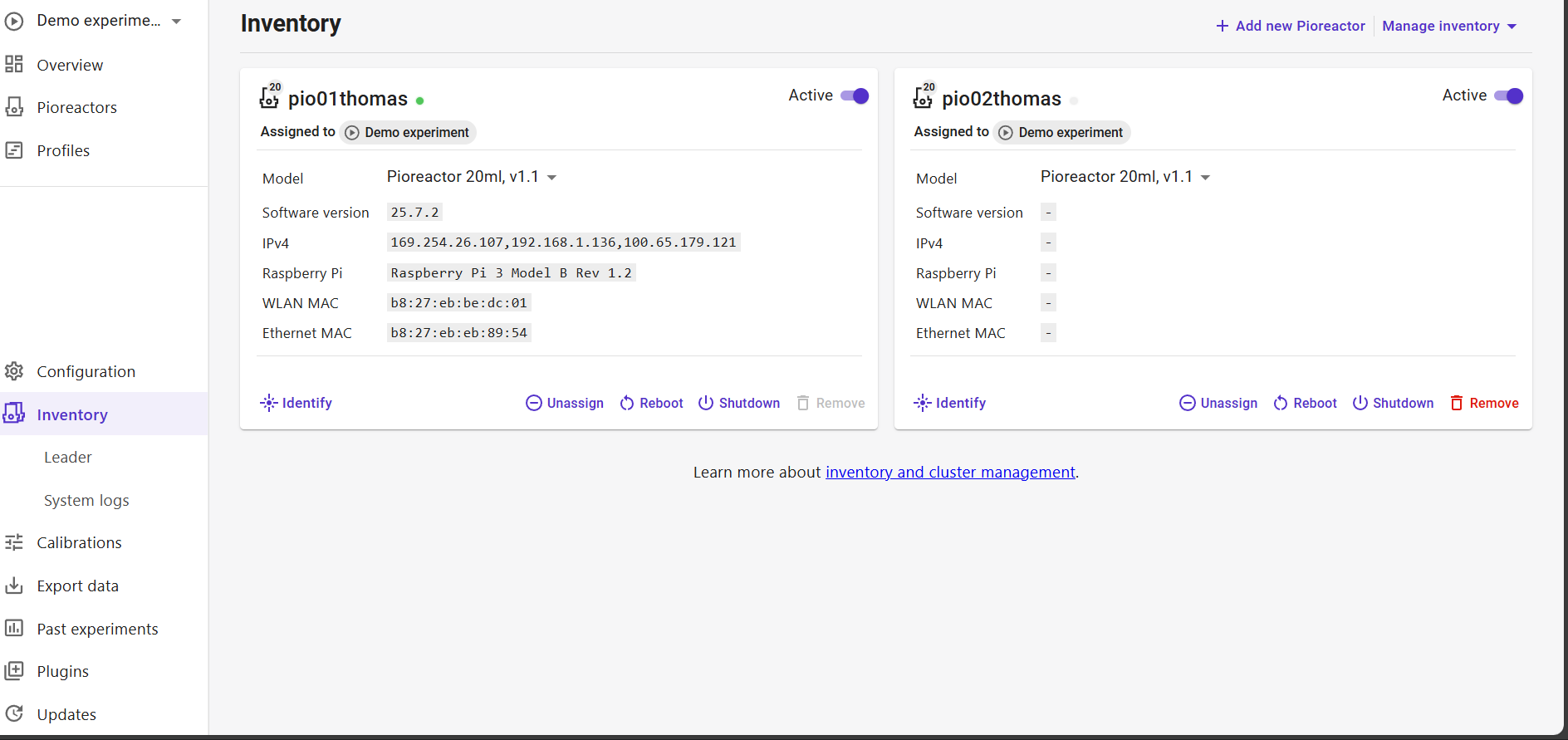
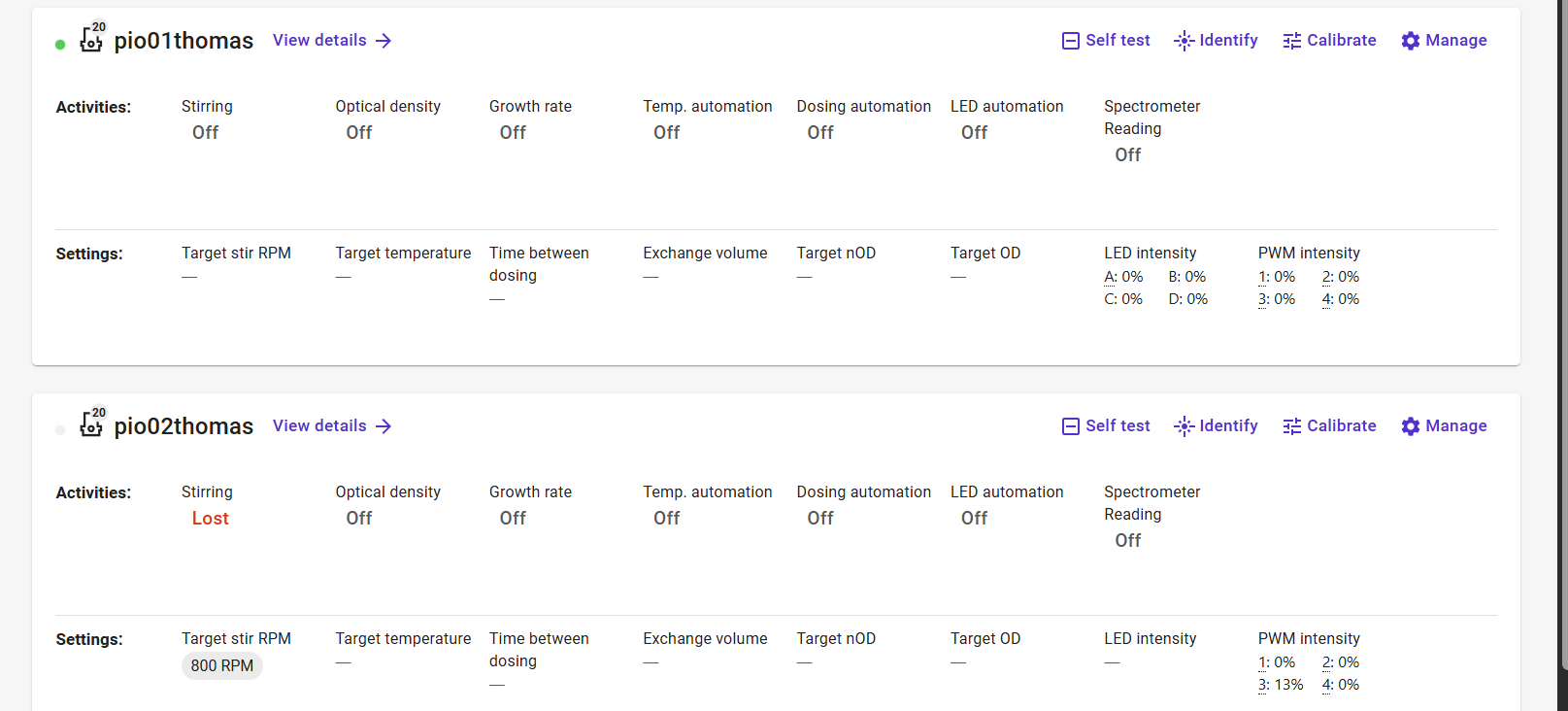
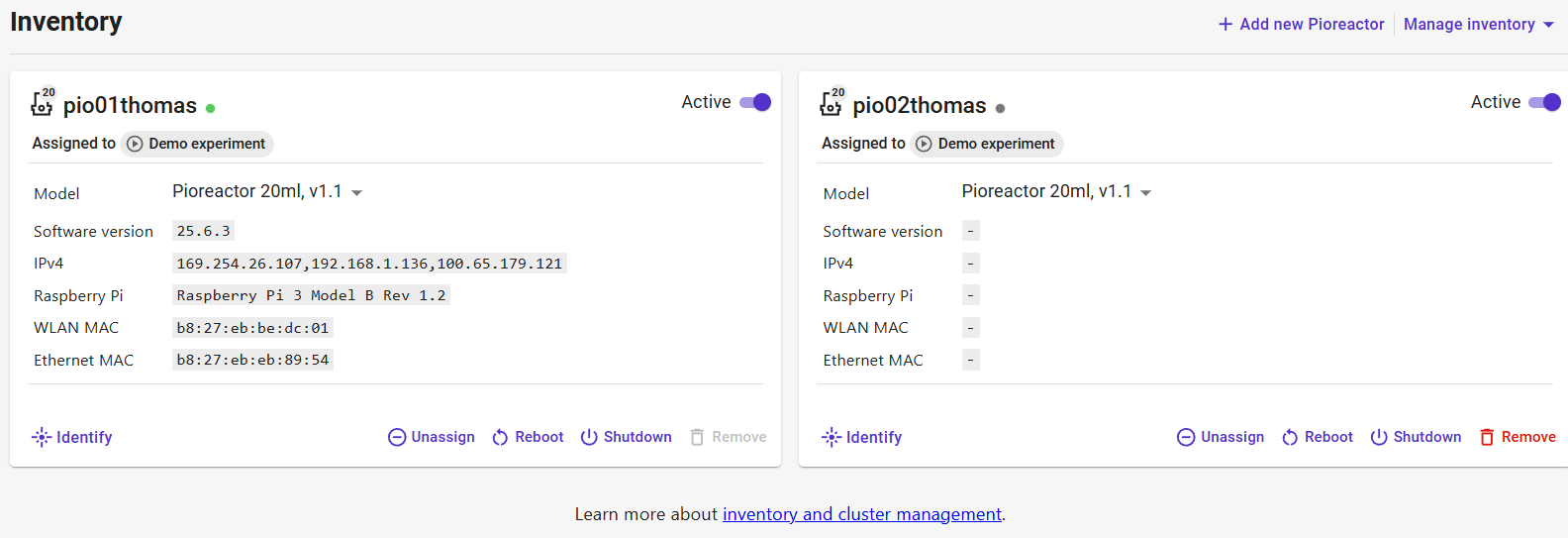
Hi, I have a Pioreactor cluster where the leader is a Raspberry Pi 3(pio01thomas), and one worker (pio02thomas) is a Raspberry Pi 2 (no Wi-Fi capability). Since Pi 2 lacks built-in Wi-Fi, I connected it directly to the leader via Ethernet cable (wired point-to-point).
I can SSH into the worker and ping it from the leader. pio02thomas.local resolves fine. However, in the Pioreactor UI, the worker stays in “unknown” status and never joins the cluster. The config files (shared, 01, 02) all match and point to the correct leader IP 192.168.1.136.
Interestingly, even though the worker shows as “unknown” in the UI, I can still control it via the web interface — for example, starting stirring works and the hardware responds accordingly. So it seems that communication is partially working, just not fully recognized by the UI.
Is there anything specific I should do to make Ethernet-based workers (like Pi 2) work in the cluster?
Thanks in advance!
Hi @starzeus,
this looks like an issue with the worker’s monitor job (which supplies most of these details like IP, state, etc.)
If you SSH into the worker, and run pio run monitor, does this error out? While it’s running do you see data in your UI?
Thanks for the response!
I SSH’ed into my worker (pio02thomas) and tried running pio run monitor, but I got the following message:
WARNING [monitor] monitor is already running. Skipping.
RuntimeError: monitor is already running. Skipping.
So the monitor job is already running on the worker.
Let me know if there’s anything else I can try to get the state reporting correctly.
Thanks!
Hm, okay, so then maybe monitor is not sending data to the correct place.
The config files (shared , 01 , 02 ) all match and point to the correct leader IP 192.168.1.136 .
did you also change the broker_address to this IP under [mqtt] section in the config.ini?
And if you SSH into the worker, and run ping 192.168.1.136, does it appear as the leader pio01thomas?
Finally, monitor might just need a restart on the worker,
sudo systemctl restart pioreactor_startup_run@monitor.service
It worked last week and was still normal this morning. I didn’t change any config or network settings, but it’s broken again now.
I encounter a new problem. It show disconnected to pio02thomas even i reboot 02 many times.
Feeling really frustrated and helpless right now.qqq
and i can ssh pio02thomas, but when i pin 192.168.1.136, it didn’t work
Hi @starzeus,
sorry about this =(
Here’s a way to strengthen the connection by adding it manually:
On the leader (assigning it to 192.168.1.136):
sudo nmcli con add type ethernet ifname eth0 con-name static-eth0 ipv4.method manual ipv4.addresses 192.168.1.136/24 autoconnect yes connection.autoconnect-priority 10
sudo nmcli con up static-eth0
and on the worker (assigning it to 192.168.1.137):
sudo nmcli con add type ethernet ifname eth0 con-name static-eth0 ipv4.method manual  ipv4.addresses 192.168.1.137/24 autoconnect yes connection.autoconnect-priority 10
sudo nmcli con up static-eth0
sudo systemctl restart pioreactor_startup_run@monitor.service